Compress Video (Strong)
Compress video to the smallest size. Maximum compression for sharing — no subscription, no watermark.
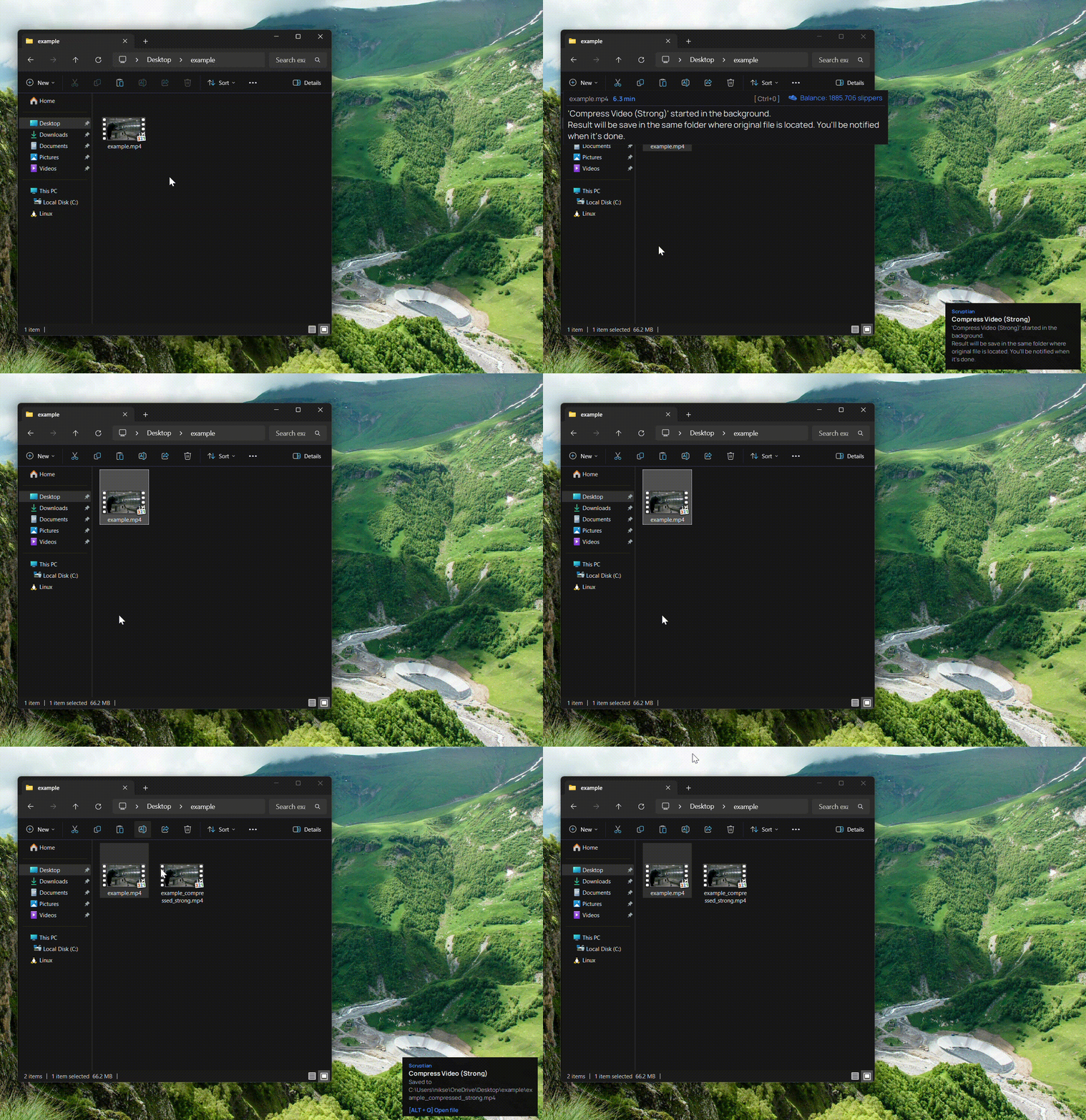
What this action does
- Smallest possible file size
- Built for messaging and email
- Standard MP4 output
- Full-quality result, no watermark
- Pay per result — no subscription
Get your video as small as possible for easy sharing. The Strong preset applies maximum compression so files fit messaging limits and email attachments with room to spare. No account or subscription, full quality, no watermark — pay only for the result.
How it works
- 1
Download
Free app for Windows.
- 2
Copy a file
Select any file
- 3
Press Ctrl+Alt
The bar opens over your file.
- 4
Pick this action
Done. Pay only for the result.
- 5
Result file
Result files appears in the same place where original.